Microsoft 365 Outage: Mail With Us

Microsoft 365 has been disrupted since 12 November 2026. Mailboxes in Exchange Online are unavailable at times, Outlook does not connect, and emails arrive late or not at all. Microsoft is working on a fix. It is still open when the service will run reliably again.

If you would rather not wait: with our Exchange ActiveSync solution you can be reached by email again right away. You receive new mail directly with us. As soon as Microsoft 365 is running again, you simply transfer your emails, contacts and calendars to us.
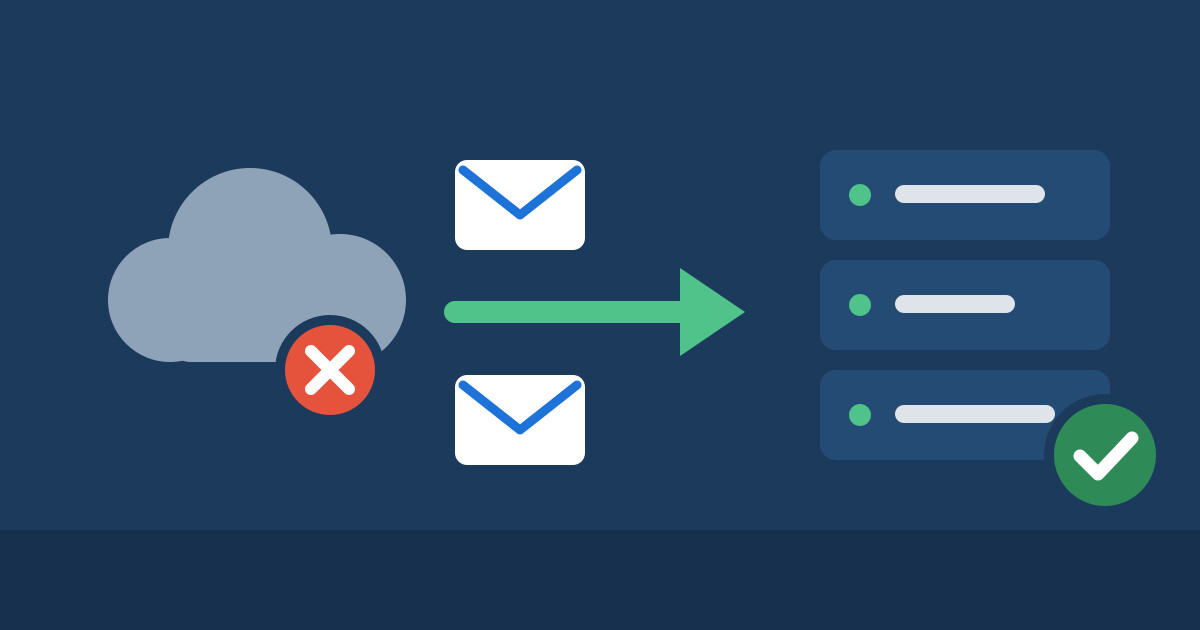
 

Letters travel from a disrupted cloud to a running mail serverNew mail arrives directly with us, your existing data follows later.


How the switch works

Envelope icon

1. Mailboxes with usYou order a mail hosting plan and create your email addresses. Exchange ActiveSync is already included in the plan.
Inbox icon

2. New mail right awayAs soon as the MX record of your domain points to us, new mail lands directly in your mailbox with us. You can also send again from then on.
Icon showing a move between two mailboxes

3. Your data followsAs soon as Microsoft 365 is running again, you simply transfer your mail, contacts and calendars to us.
What applies until the move

New mail: It arrives directly with us and is visible on all your devices.

Existing mail, calendars and contacts: They stay stored at Microsoft until the service is running again. After that you simply transfer them to us.

Word, Excel and the like: The switch only concerns your email. You keep using your Office applications as before.

What Exchange ActiveSync offers with us

Computer and phone icon

All devices in syncMail, calendars and contacts are always up to date on your phone, tablet and in your mail program.
Calendar icon

Calendars and contactsAppointments and addresses are stored on the mail server. In the browser you use OfficeMail for this, with nothing to install.
Shield with Swiss cross icon

Data in SwitzerlandYour mailboxes are stored on our own servers in Switzerland and are operated by us.

How to get started

Order the Mail Server Standard or Mail Server Plus plan and create your email addresses. If your domain is with us, change the MX record in the DNS management of the customer area. If it is with another provider, adjust the record there.

As soon as Microsoft 365 is running again, you simply transfer your existing emails, contacts and calendars to us. If you have questions about the switch, open a ticket at https://www.firestorm.ch/en/support/.

 

Order Standard   Order Plus

Related Post
Mail Quarantine: spam is no longer forwarded

Many of our customers forward mails, for example from info@your-company.com to a private address at Hotmail, GMX or Gmail. Unfortunately, spam is forwarded along with the real mails. To the recipient it then looks as if our server were sending the spam. Providers such as Microsoft block such servers, and after that even your perfectly […]

Read more
Webmail vacation – FireStorm

I’m going on holiday: what do I have to do? Especially during the summer holidays and vacations, very few people want to be busy with work. Often this is possible without any problems, if you have not taken a lot of work home with you. However, e-mails still arrive regularly. Because while you may be […]

Read more