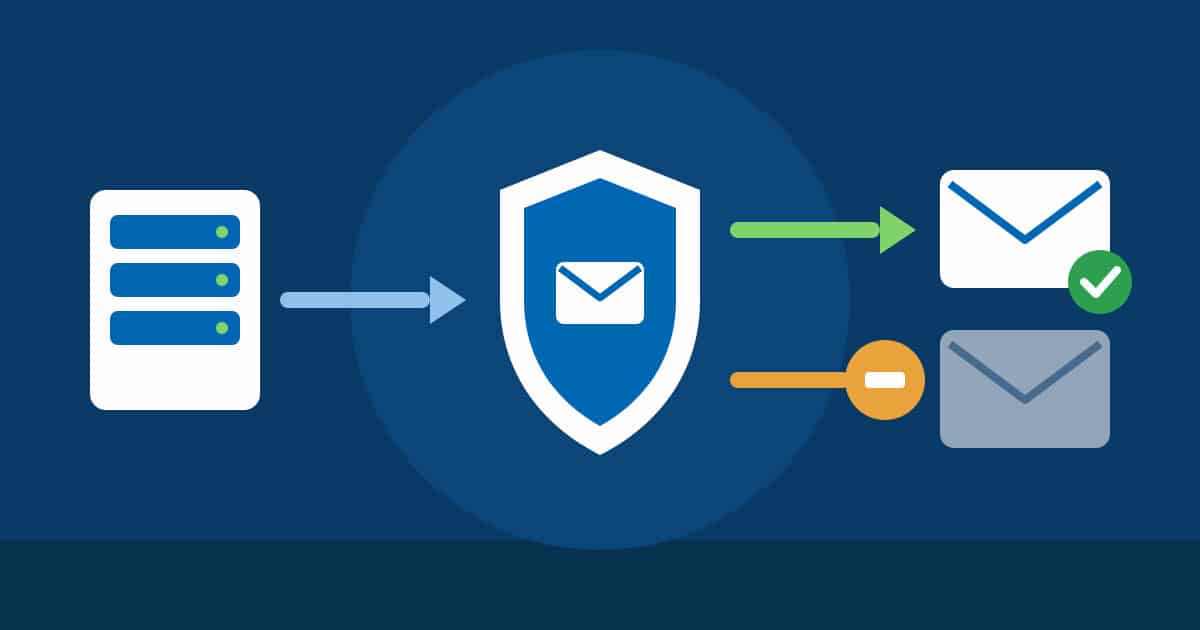
Many of our customers forward mails, for example from info@your-company.com to a private address at Hotmail, GMX or Gmail. Unfortunately, spam is forwarded along with the real mails. To the recipient it then looks as if our server were sending the spam. Providers such as Microsoft block such servers, and after that even your perfectly normal mails no longer arrive there.
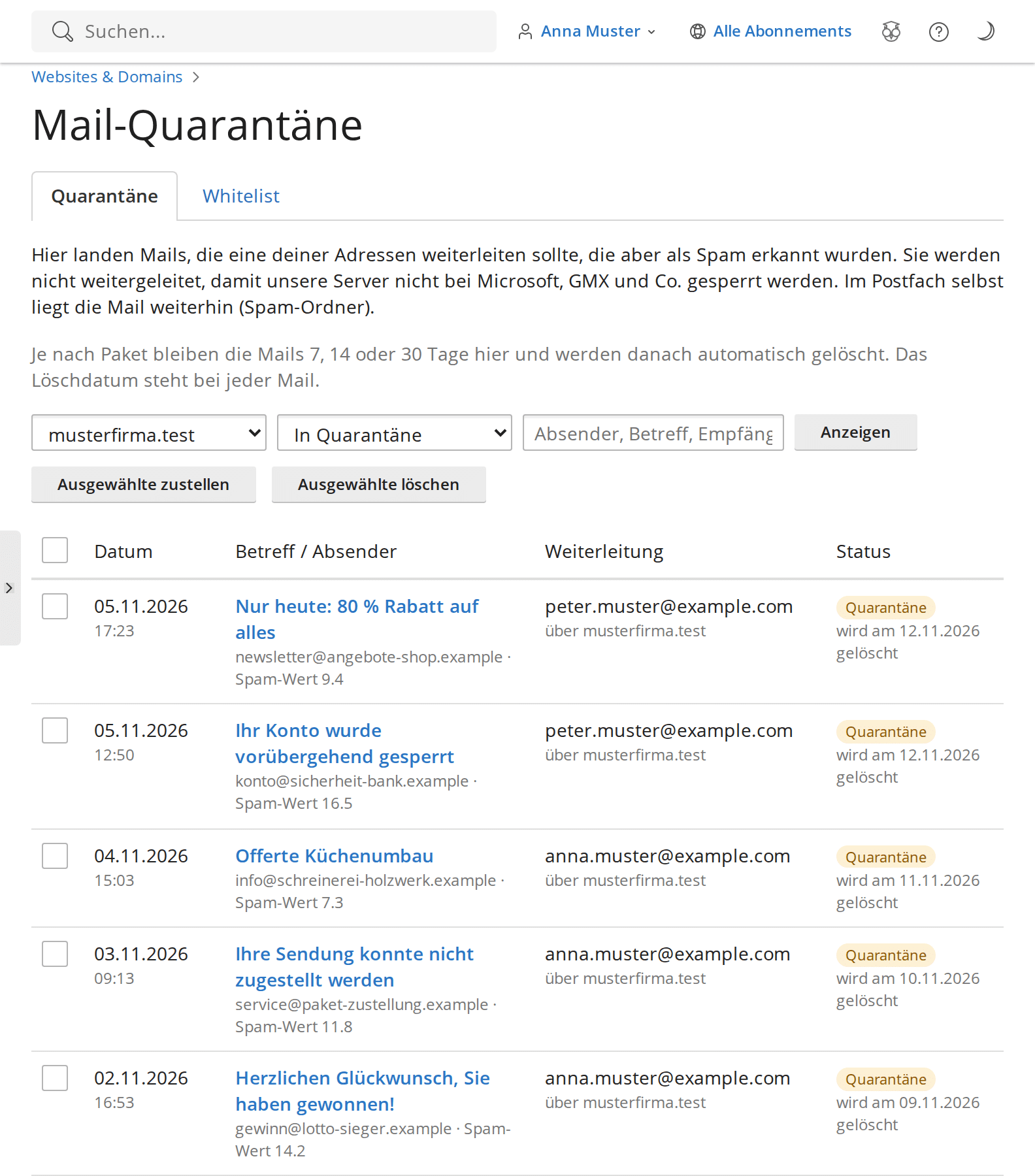
That is why the Mail Quarantine is now available on all Linux web hosting servers: forwardings that our spam filter recognises as spam are held back instead of being sent on. You see these mails in your hosting control panel and decide for yourself what happens to them.
In a nutshell: the key terms
Forwarding: A mail to your address is automatically sent on to another address, for example to your private mailbox.
Spam filter: Checks every incoming mail and assigns a spam score. Above a certain score the mail counts as spam.
Quarantine: A protected area where forwardings recognised as spam are kept for a while instead of being sent on.
Whitelist: A list of senders you trust. Mails from these senders are always forwarded.
Your benefits at a glance
Your mails arriveBecause our servers no longer forward spam, your real mails remain deliverable at Hotmail, GMX and other providers.
Nothing gets lostEvery mail still arrives in your own mailbox. Only the copy intended for the forwarding is held back.
See for yourselfIn the control panel you see the subject, sender and text of every held mail, without any risk from links.
Deliver with one clickIf an important mail is among them, deliver it to the forwarding address with one click, singly or several at once.
Allow trusted sendersSenders or whole domains on your whitelist are always forwarded, even if the spam filter triggers.
Cleaned up automaticallyDepending on the plan, mails stay in the quarantine for 7, 14 or 30 days and are then deleted automatically.
How to find the Mail Quarantine
Open the hosting control panel (Plesk) via the customer portal.
Under Websites & Domains, expand your domain and choose the Mail tab.
Click Mail Quarantine.
The Mail Quarantine shows all held-back forwardings
Good to know
You do not need to switch anything on. The Mail Quarantine is already active on all Linux web hosting servers.
Mails you send yourself and mails in your mailboxes are not affected.
Even more reliable than forwarding: set up your mailbox directly in your mail program or on your smartphone (IMAP). Then no mails pass through third-party servers.
You may have read about it in the news: in October, several serious security vulnerabilities became known within just a few days, in software that a large share of all websites worldwide rely on. News like this sounds alarming, and many people wonder: is my website affected too? The short answer: no, you are protected. […]
Many people associate switching hosts with manual work: downloading files, exporting databases, moving mailboxes one by one and hoping nothing gets forgotten. That is now a thing of the past. With the new 1-click migration you move from Hostpoint, Metanet, Infomaniak and many more to FireStorm. It’s that easy In your Plesk panel you will […]
Black Friday is just under eight weeks away, and the Christmas season follows right after. For many online shops, clubs, restaurants and small businesses, these are the busiest weeks of the year on their own website. That is exactly when it becomes clear whether a WordPress site loads quickly or whether visitors give up after […]