Move your WordPress site yourself
Anyone who has moved a WordPress site from one provider to another knows the drill: download files via FTP, export the database, upload everything again, replace addresses by hand in the database and hope nothing was missed. You can skip all of that from now on.
Migrate in a few clicks
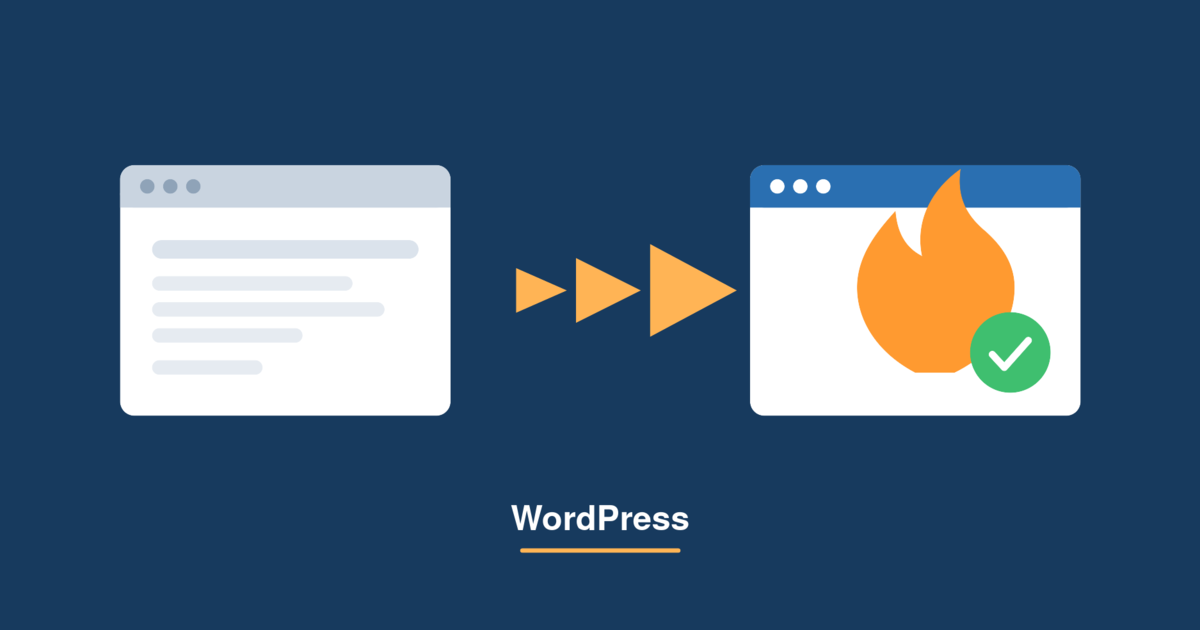
Your hosting panel now has a new entry under Dev Tools called WordPress Import. It lets you bring an existing WordPress site to FireStorm yourself, no matter which provider hosts it today. You need neither FTP access nor database skills. An administrator account on your previous site is enough.
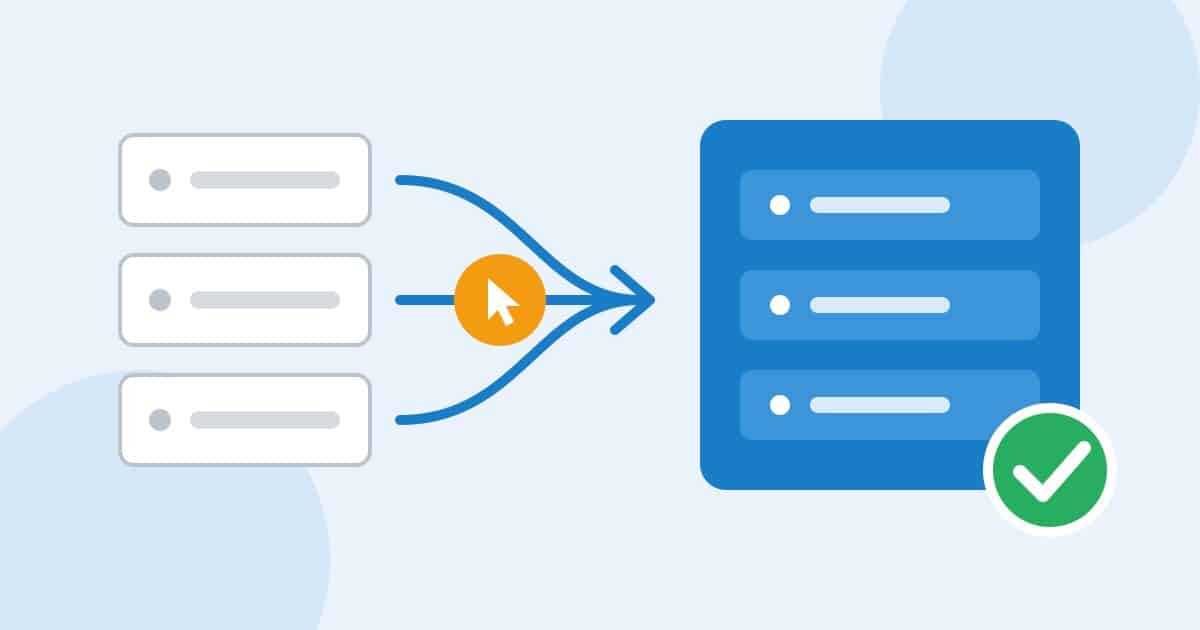
The process is straightforward: download a small connector plugin, install it on your old site and copy the migration code shown there into your panel. Our server takes care of the rest. Database, files, themes, plugins and media are transferred, and we adjust the addresses in your content automatically.
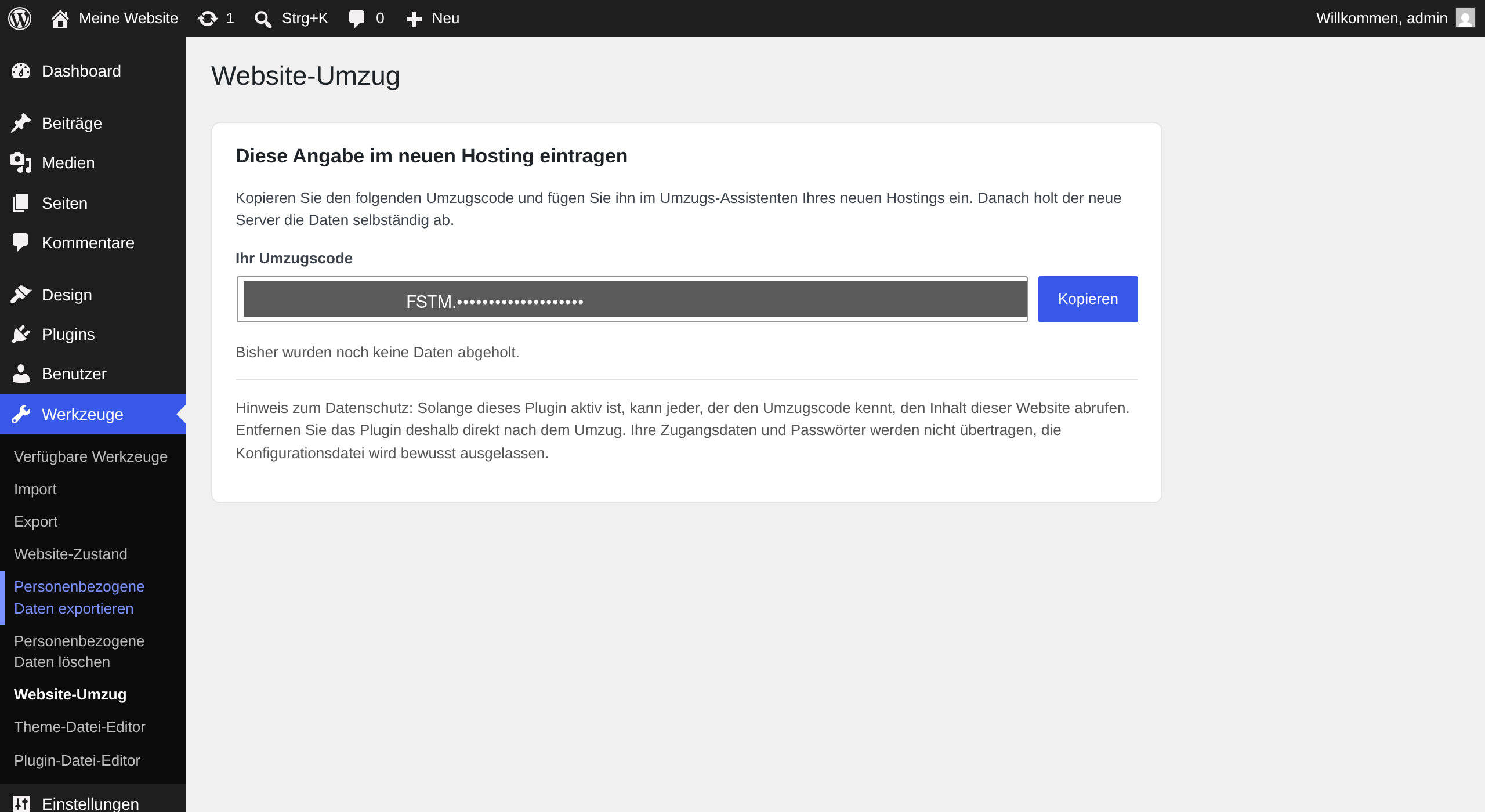
This is what the migration code looks like on your previous site
Secure from the start
Your credentials are never transferred. We create a new database with fresh credentials on our server and write a new configuration. The migration code is valid for 24 hours and renews itself automatically afterwards.
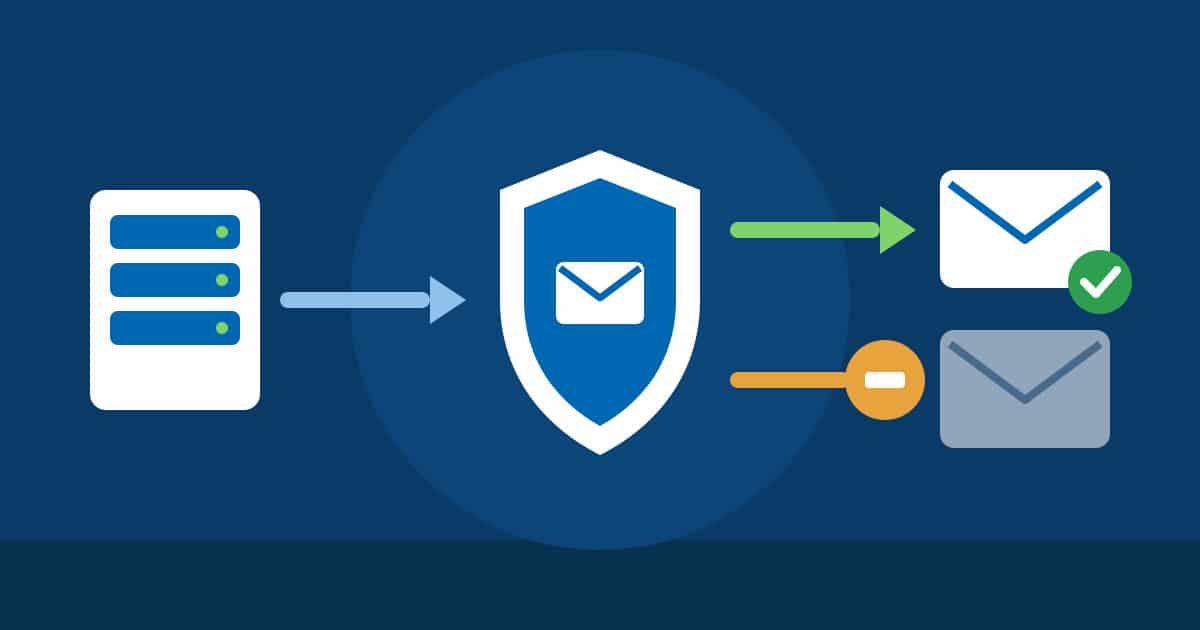
Once everything is in place, we automatically scan the transferred data for malware and show you the result. Especially for sites that have been running elsewhere for a while, this is a sensible safeguard.
Step by step
You will find detailed instructions with screenshots in our knowledge base: Move your WordPress site to FireStorm yourself
Also for your own root server
Do you run a root server with Plesk at FireStorm? Then you can use the tool on your own server as well: the installation script is available to all root server customers in the download area of your customer account, in the Rootserver category. Run it once as root and it sets up the extension, which then keeps itself up to date automatically.
Running a WordPress network or need a hand? Get in touch with our support, we are happy to handle the migration for you.