Better Protection at Sign-in
Fake emails pretending to be payment reminders from FireStorm are currently in circulation. Anyone who clicks the link ends up on a copied page that tries to steal login details. To make sure a stolen password alone is no longer enough, we have added extra protection to the customer area sign-in, effective immediately.
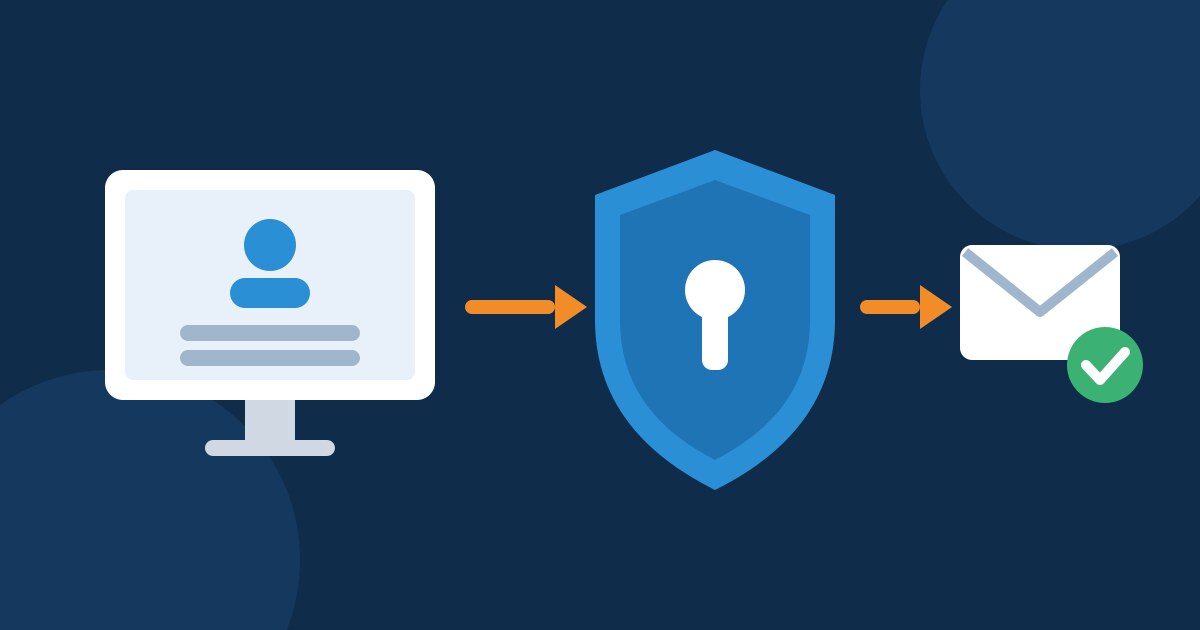
If someone without two-factor authentication signs in from an IP address that has not yet been approved for the account, we stop the sign-in. The account holder receives an email and decides with one click whether the sign-in is legitimate. For you this means at most a short extra step, for fraudsters a closed door.
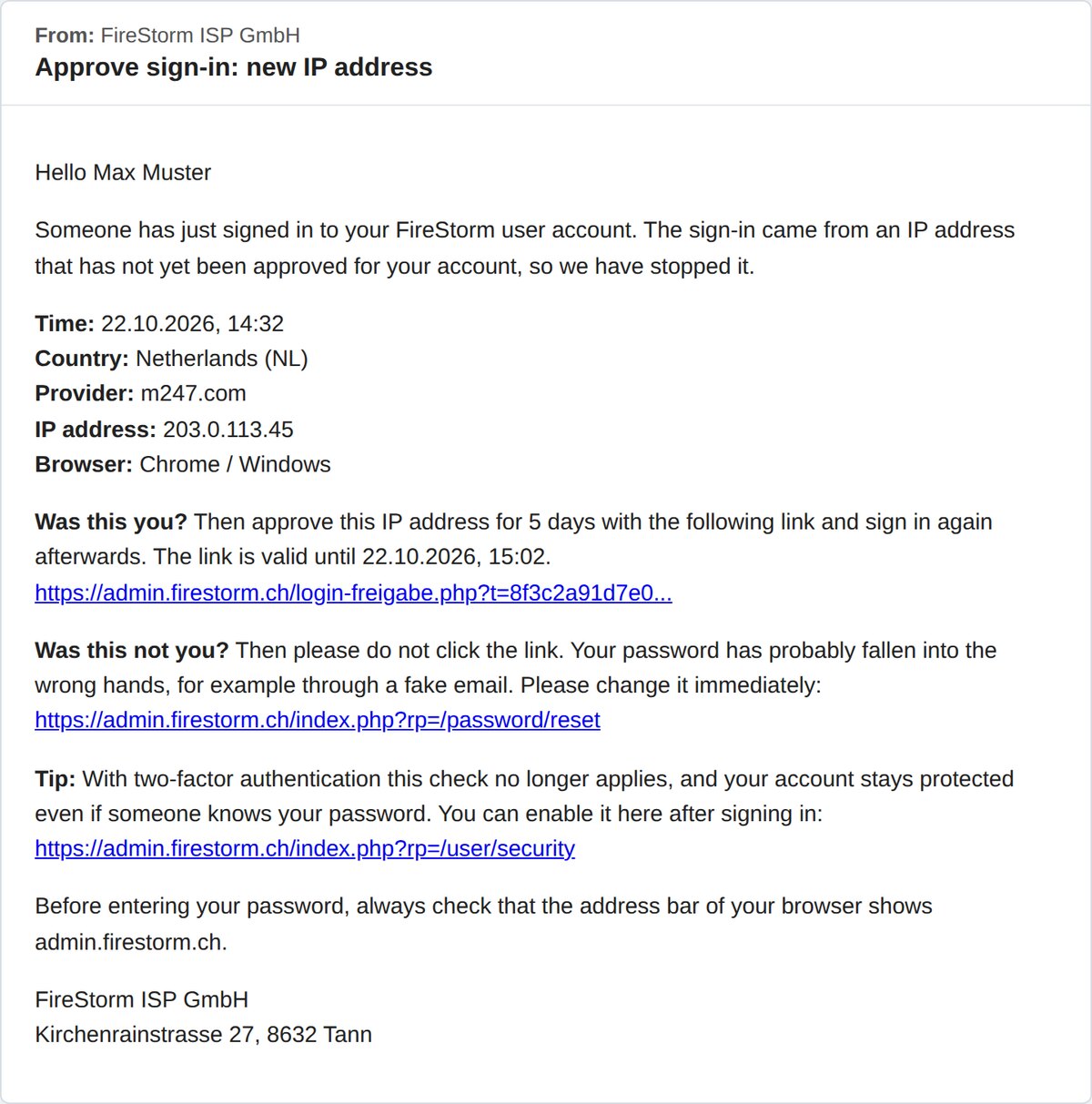 The email shows you at a glance when and from where the sign-in came.
How the new protection works
When you sign in from an unknown IP address, we send you an approval link.

After the click, the IP address is approved for your login for 5 days.

With two-factor authentication enabled, this check no longer applies.
What the email contains
The email shows the time, country, provider, IP address and browser of the sign-in. If the details match, click the link and then sign in again. The link is valid for 30 minutes, and the approval then applies for 5 days to exactly this IP address and exactly your login. Other users with access to your account approve their own IP address themselves.
Warning for suspicious sign-ins
If you open the link via a different internet connection than the sign-in, we show you a clear warning. This is typical of phishing: the fraudsters sign in with your password while you receive the email at home. If it was not you, choose «This was not me» and change your password immediately. If you signed in yourself while on the road, approve with «Approve anyway».
 If the click comes from a different connection than the sign-in, we warn you.
 If the click comes from a different connection than the sign-in, we warn you.
Most convenient: two-factor authentication
If you would rather not receive approval emails, enable two-factor authentication. When signing in, you then additionally enter a code from an app on your smartphone, and your account stays protected even if someone knows your password. Setting it up only takes a few minutes, and our guide Setting up two-factor authentication walks you through every step.
How to recognise fake emails
- Check the address bar: only enter your password if the address bar of your browser shows admin.firestorm.ch.
- View invoices in the customer area: you can always see whether an invoice is really open at https://admin.firestorm.ch.
- No rush: threats of an immediate suspension are a typical sign of fraud attempts. If in doubt, simply open a ticket.