All requests in one place: your new support portal
Whether by chat, email, phone, or ticket form: until now, your requests to our support team were spread across different channels, which made it harder to keep track. That changes now. All requests come together centrally on our end, get sorted cleanly, and are handled by urgency, no matter which way they reach us.
So you can keep just as good an overview as our team, you now have your new, personal support portal. You’ll find it in the client area under Support, or directly at admin.firestorm.ch/tickets.php.





How it works
Under My Tickets you see all your past requests at a glance, with subject, ticket number, and date. Clicking a ticket opens the full conversation with our team, just like you’re used to from a chat.
 All your tickets at a glance, with ticket number and date
 All your tickets at a glance, with ticket number and date
You can reply directly in the portal, no detour through your email program needed. And if you prefer the familiar way: replying directly by email still works just as well, it automatically lands in the same ticket as a reply sent through the portal.
The complete history at a glance, reply directly including file attachments
 The complete history at a glance, reply directly including file attachments
Everything in one place in the Support Center
We’ve also reworked our support overview in the client area for this. From there you can reach the knowledge base, open a new ticket, trigger an emergency ticket right away if needed, or find out more about our support subscription. Your most recent tickets are shown right there on the same page.
The new support overview: knowledge base, create a ticket, emergency ticket, and your latest tickets at a glance
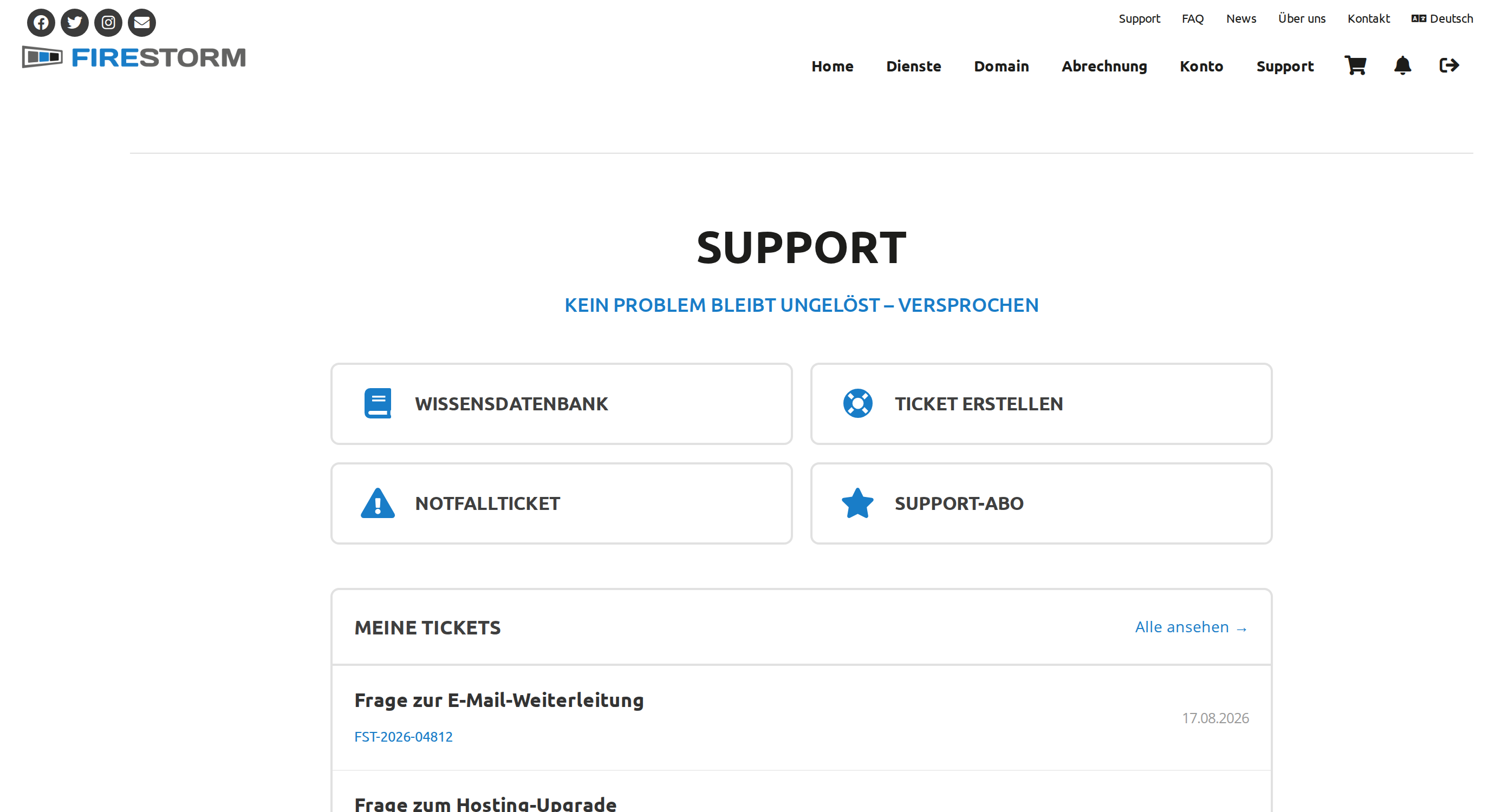 The new support overview: knowledge base, create a ticket, emergency ticket, and your latest tickets at a glance
No matter how you reach us, your request is in good hands and gets handled transparently. Take a look at your support portal now, we look forward to your feedback.