Windows Server 2025 Now Live
Full control, even without RDP access
A Windows server can traditionally be remote-controlled via Remote Desktop (RDP), just like sitting in front of it. On our Windows hosting with Plesk, RDP isn’t available for security reasons. Many customers ask themselves: how do I get to my files, how do I set up an automated task? The answer: through Plesk, right in your browser.
Managing files without Remote Desktop
The File Manager in Plesk largely replaces Windows Explorer. You can upload, edit, extract, compress and move files between folders, all directly in your browser, with no client software and no RDP connection needed.
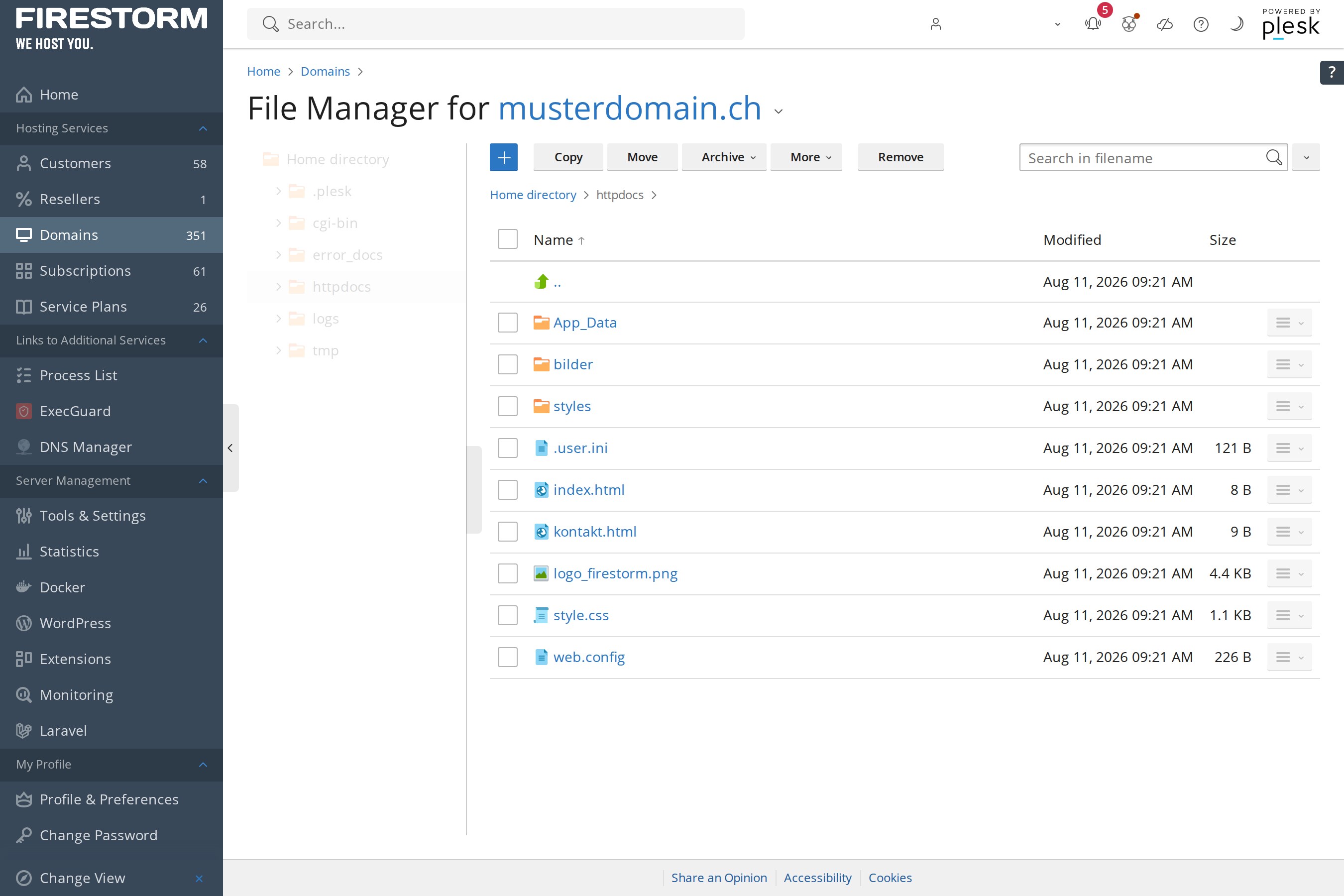 The File Manager in Plesk: manage files just like Windows Explorer, right in your browser.
Scheduled tasks instead of Task Scheduler
Recurring jobs, normally set up through Windows Task Scheduler, can also be managed comfortably in Plesk. Under “Scheduled Tasks” you decide which script or URL should be called automatically and when, for example for a daily data sync or an automatic backup of your application.
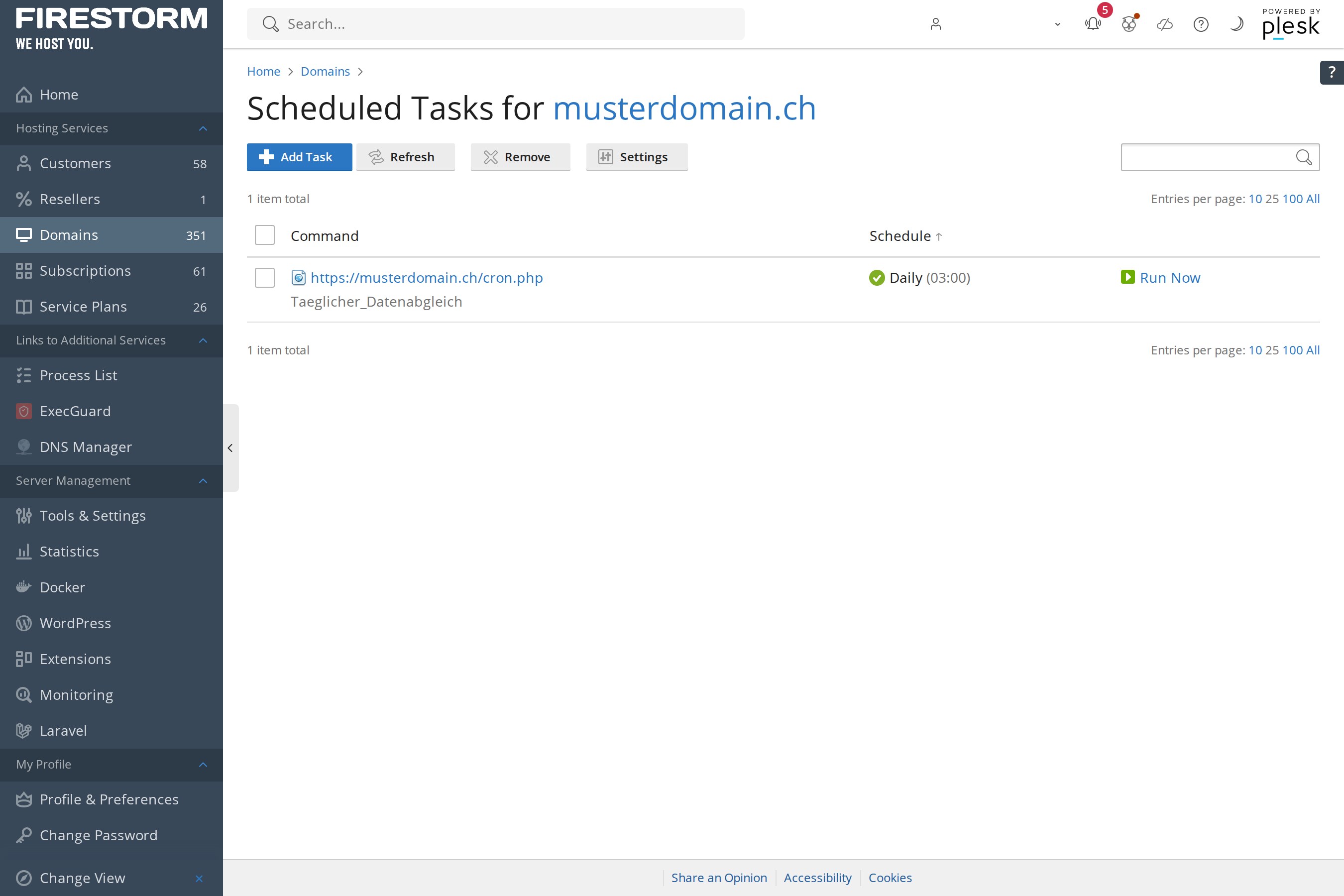 Scheduled Tasks in Plesk: set up automated workflows without any Task Scheduler.
In short: everything you’d otherwise need RDP for, like managing files, scheduling tasks, maintaining databases or setting up SSL certificates, you handle directly in Plesk. That’s not just simpler, it’s also more secure, since your server never needs an open Remote Desktop port that could be attacked.