Python in Web Hosting
Since 18 November 2026, you can also run Python applications in our UNIX web hosting. Web applications built with Flask or Django now run directly in your hosting, without a server of your own. Python is included in UNIX web hosting and UNIX reseller hosting at no extra cost.
You switch Python on with a few clicks in the Plesk hosting control panel. Plesk installs the packages your application needs, and your application runs on our servers in Switzerland with the same protection as your website.
 Upload your code, switch on Python, your application runs.
 Upload your code, switch on Python, your application runs.
Python: A widely used programming language. It is used for web applications, interfaces (APIs), data analysis and automation.
Flask and Django: Two well-known toolkits (frameworks) for web applications with Python. Flask is lean and suits smaller applications, Django already includes a lot for larger projects.
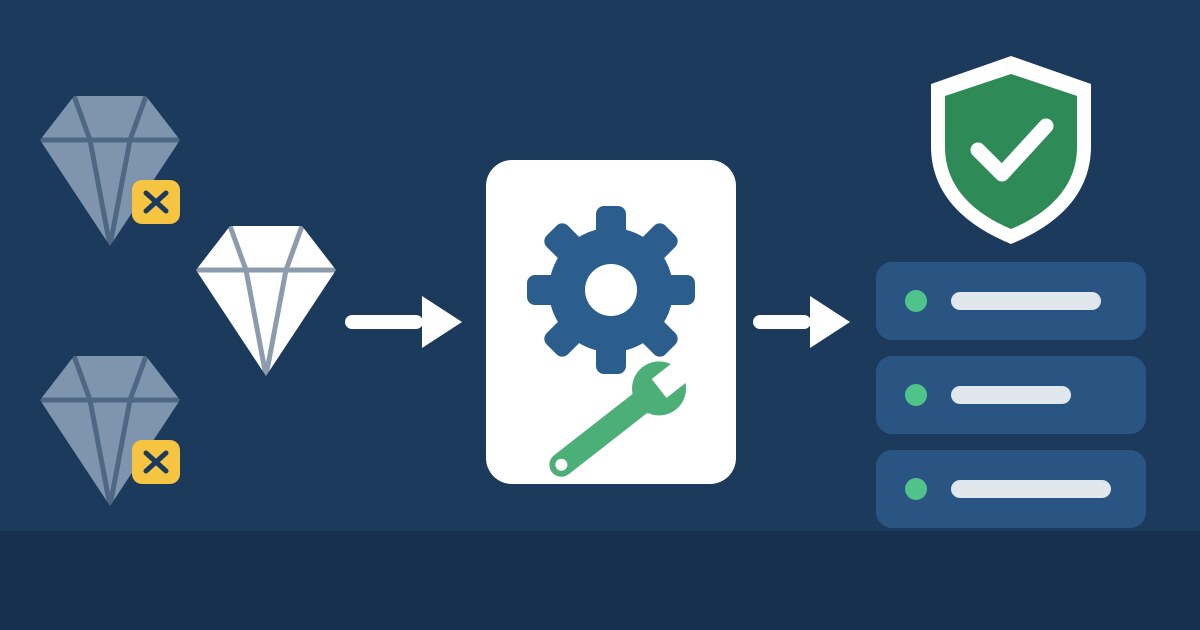
Virtual environment: A separate area for your application that holds the packages it needs. This keeps different projects cleanly apart.
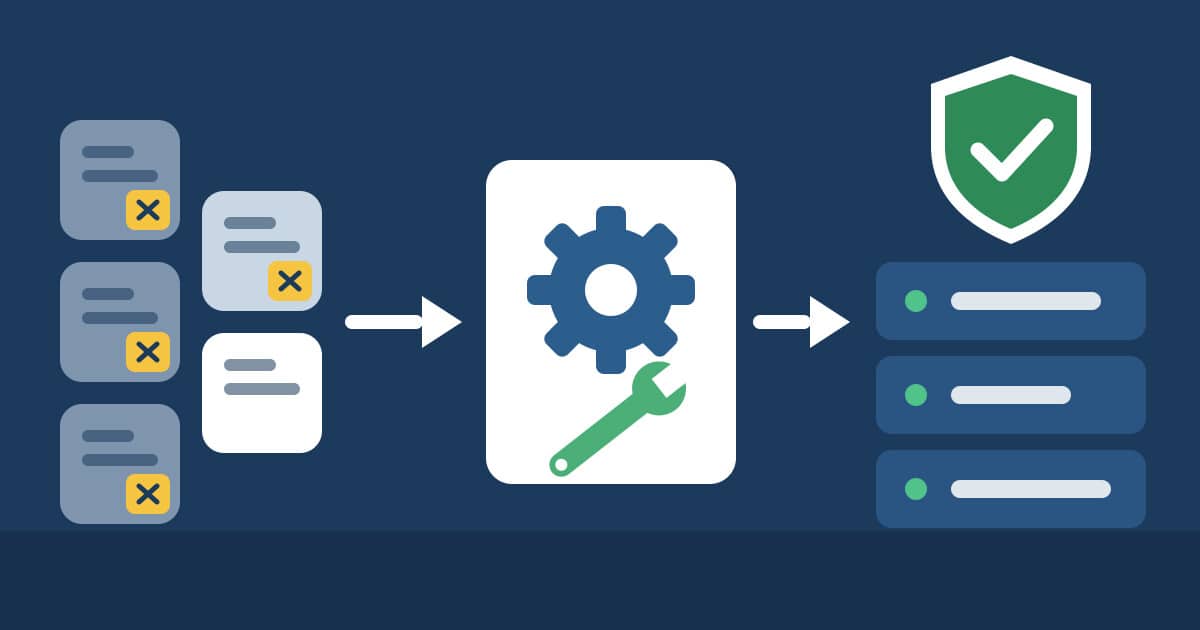
requirements.txt: A simple list of the packages your application needs. Plesk reads this list and installs the packages at the click of a button.
What Python in web hosting offers you


passenger_wsgi.py. Well-known frameworks such as Flask or Django run this way.
requirements.txt or uv.lock in a separate virtual environment.


How to switch Python on
- Log in to Plesk and open “Websites & Domains”.
- Click “Python” for the domain you want.
- Click “Enable Python” and choose your application’s folder.
- Create the virtual environment with “Create Virtual Environment” and install the packages from your
requirements.txtwith “Install Dependencies”. - After changing your code, restart the application with “Restart App”.
 You will find the “Python” feature next to your domain in Plesk.
 You will find the “Python” feature next to your domain in Plesk.
 Use “Enable Python” to switch Python on for the domain.
 Use “Enable Python” to switch Python on for the domain.
The Python feature’s interface is currently available in English only. You will find detailed instructions in our knowledge base: Using Python in web hosting.
Good to know
Web application with a start file: in web hosting, Python runs as a web application that starts via the file passenger_wsgi.py. The browser therefore does not call individual .py files directly the way it does PHP files.
Starts on demand: your application starts automatically on the first request and goes idle after five minutes without a request. A root server is the right choice for background processes that run permanently.
Ready-made packages: you can install packages that are offered as a ready-made package (wheel). Many widely used packages are available in this form. If a package would first have to be compiled during installation, the installation stops with a message.
Updates: Python and your application’s packages are stored in your web space. You decide when to update them.
Which plan suits your project?


Try it out
Python is already enabled in your UNIX web hosting, so you can get started right away. The best way to find out whether your application runs this way is to try it directly with your project. Not hosting with us yet? You will find the right plan in our overview.