nginx Flaw: HTTP/2 Paused
You may have read about it in the news: on 18 November 2026, two serious security vulnerabilities were disclosed in nginx, one of the most widely used web servers in the world. They carry the numbers CVE-2026-123007 and CVE-2026-123633 and affect HTTP/2. In the worst case, attackers could use them to run their own code on a web server without logging in.
The short answer for our hosting customers: your website is protected, you do not need to do anything. We have switched off HTTP/2 on our hosting servers as a precaution until the corrected version is available for our servers. If you run your own server, you will find below what you should do now.
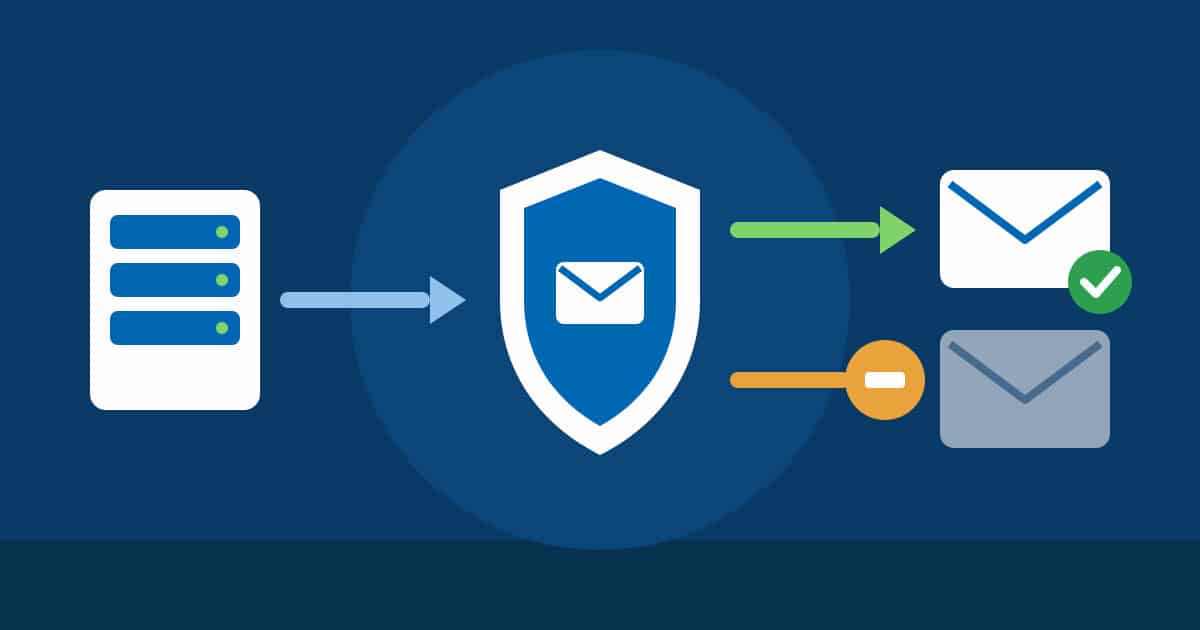
 HTTP/2 is temporarily blocked, your website keeps running safely over HTTP/1.1.
 HTTP/2 is temporarily blocked, your website keeps running safely over HTTP/1.1.
nginx: A program on the server that delivers your website to visitors. Think of it as the reception desk of a building: every visitor arrives there first and is directed to the right place.
HTTP/2: The newer, faster way for browsers and web servers to talk to each other. It is like a multi-lane road on which many files travel at the same time. HTTP/1.1 is the proven older road, and it gets you to the same destination.
Code execution without login: An attacker can run their own commands on someone else’s server over the internet, without knowing a password. It is like a window that can be opened from outside.
CVE: Every publicly known security vulnerability is given a unique number worldwide. It works like a case number: all vendors and hosting providers know exactly which vulnerability is meant.
The vulnerabilities at a glance


What we have done
On our Linux hosting servers, nginx receives the requests from your visitors. There, nginx comes with Plesk, the management software of these servers, and is also updated by Plesk. Plesk has not yet released the corrected version. We did not want to wait: we have switched off HTTP/2 on all Linux hosting servers as a precaution. Both vulnerabilities can only be exploited via HTTP/2, so this path is now closed.
As soon as Plesk releases the update, we will install it and switch HTTP/2 back on. Our Windows hosting servers do not use nginx, so nothing needs to be done there.
What does this mean for you?
Your website remains reachable as usual. For the time being, browsers connect over the proven HTTP/1.1, which was the standard for many years. You do not need to do anything, and you do not need to change anything on your website.
A note in case you test your website’s loading time with an analysis tool: some tools will report during this period that HTTP/2 is not being used. You can ignore this note until the update.
Who needs to do something?


Your own server with Plesk
On root servers and virtual servers, you manage the system yourself. Plesk ships its own version of nginx, and the fix for it has not been released yet. So please switch off HTTP/2 temporarily, just as we did on our servers. Log in via SSH as root and enter:
plesk bin http2_pref --disable
Plesk then rewrites the settings of all websites. With many domains this can take a few minutes, and the websites stay reachable in the meantime. You can check with plesk bin http2_pref --status whether HTTP/2 is switched off.
The Plesk interface itself (port 8443) also uses nginx with HTTP/2. In the Plesk firewall, allow access to it only from your own IP addresses. This is a good habit regardless of this vulnerability.
Once the Plesk update has been installed on your server, nginx -v will show version 1.30.7 or higher. Then switch HTTP/2 back on with plesk bin http2_pref --enable.
Your own server without Plesk
Install the updates for your operating system, for example with apt update && apt upgrade on Ubuntu and Debian or with dnf upgrade on AlmaLinux and Rocky Linux, and then restart nginx. If you get nginx directly from nginx.org, you need version 1.30.7 or 1.31.9 or higher. Operating systems often ship the fix under the existing version number; in that case the vendor’s security advisory is what counts.
If there is no fix for your system yet, switch off HTTP/2 temporarily: in the nginx configuration, replace http2 on; with http2 off;. In older versions, HTTP/2 is set directly in the listen line, for example listen 443 ssl http2;. There, simply remove the word http2. Then test and reload the configuration with nginx -t && systemctl reload nginx. Your website keeps working normally; it is delivered over the proven HTTP/1.1.
If you would rather leave this to us, open a ticket for your server in the customer area at https://admin.firestorm.ch and choose the “Upgrade” tile. This service is chargeable; you will see the cost directly when creating the ticket.
We stay on it
We check new security advisories for web servers, PHP and operating systems continuously and automatically. If a vulnerability becomes known that could affect your website, we act immediately. That way you can focus on your business instead of security bulletins.