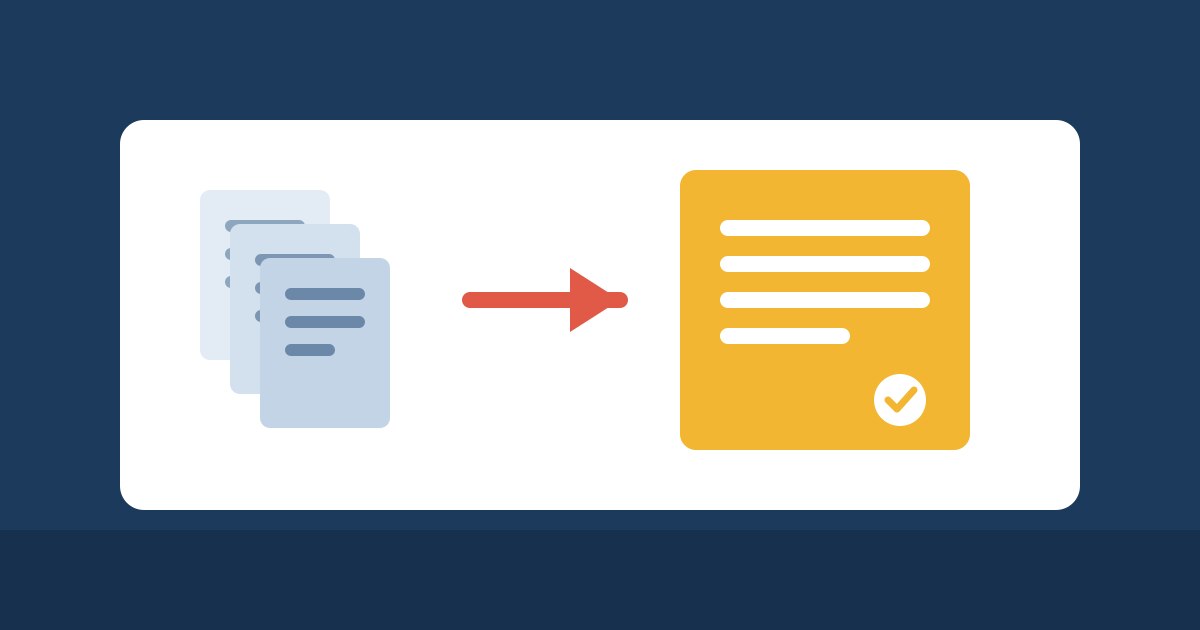
Invoices now via eBill
Paying invoices just got even easier: from now on, you can receive your FireStorm invoices as eBill directly in the e-banking of your Swiss bank. There you can check the invoice at your leisure and approve it with a single click. No more typing or scanning.
eBill is offered by practically all Swiss banks. Signing up only takes a few minutes and is free of charge for you.
eBill: The electronic invoice of the Swiss banks. The invoice not only reaches you by email, but also arrives directly in your e-banking, fully prepared for payment.
E-banking: The online access to your bank account, in your browser or in your bank’s app. This is where you already make your payments today.
Approve: Instead of entering a payment order yourself, you simply confirm the already completed payment with one click.
Customer number: Your personal number at FireStorm. It is shown at the top right of every FireStorm invoice, right after “Customer number: #”.
Your benefits at a glance


How to sign up
- Log in to your e-banking and open the eBill section.
- Search for “FireStorm ISP GmbH” and sign up.
- Enter your customer number. You will find it at the top right of every FireStorm invoice, right after “Customer number: #”.
Some banks also offer you the eBill sign-up directly when you pay a QR-bill from FireStorm. In that case, simply follow the instructions of your bank.
What changes afterwards
Once you have signed up, every new FireStorm invoice will also arrive as eBill in your e-banking. You will continue to receive the usual invoice email, so you still have your documents in your inbox as before.
Important: Please pay each invoice only once, either via eBill or via the QR code.
Good to know
If you use automatic card payment, we do not send your invoices as eBill. They are paid automatically anyway, so there is nothing for you to do.
Learn more
You will find detailed instructions in our knowledge base at https://www.firestorm.ch/en/kb/ebill-invoice/. As usual, you can also see all your invoices in the customer area at https://admin.firestorm.ch.
Do you have any questions about eBill? We will be happy to help: https://www.firestorm.ch/support