PHP Flaws: Old Versions Patched
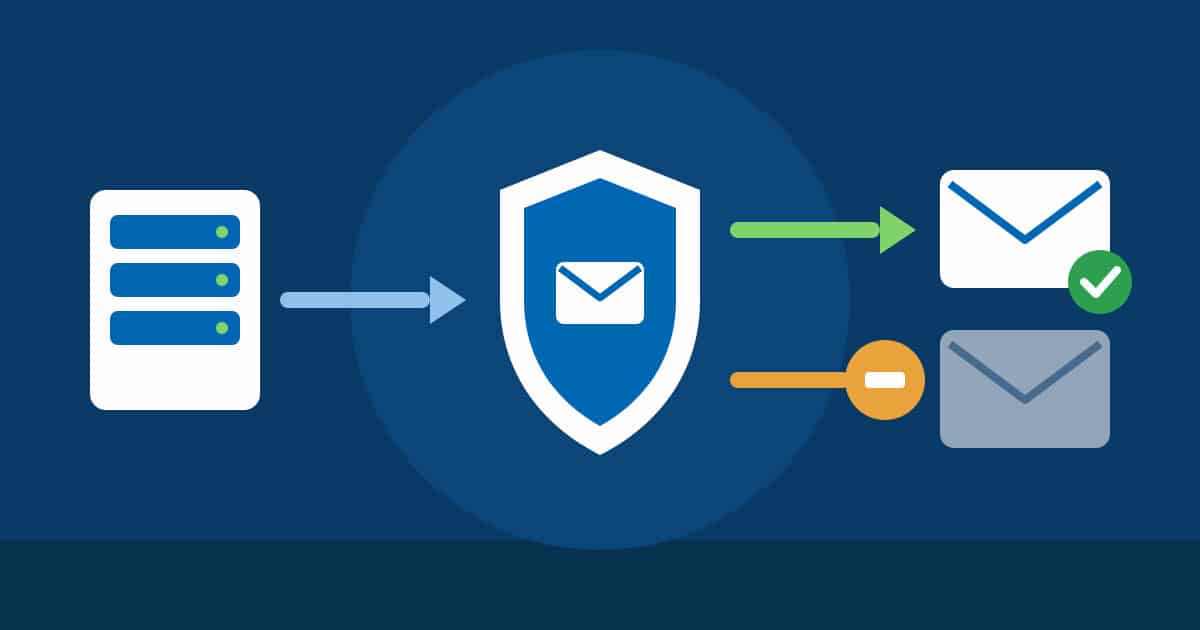
On 19 November 2026, the PHP project released security updates: PHP 8.2.36, 8.3.37, 8.4.28 and 8.5.13. They close several vulnerabilities. Three of them complete the fix for the “PHP2Shell” vulnerability of October 2026. PHP is the programming language most websites are written in, for example almost every website built with WordPress.
The short answer for our hosting customers: your website is protected, you do not need to do anything. The updates are installed on all hosting servers. This also applies to older PHP versions for which the PHP project itself no longer provides fixes. We patched those ourselves, on Windows even with PHP builds we compiled specifically for this purpose. If you run your own server, you will find below what you should do now.
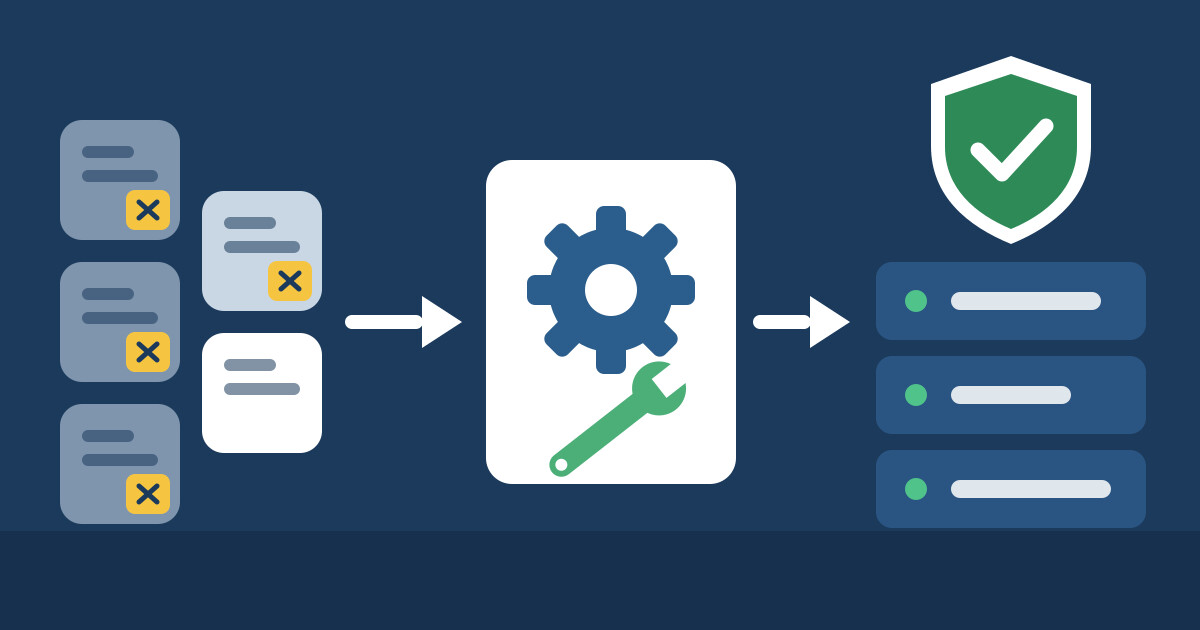 Old and new PHP versions on our hosting servers are at the corrected level.
PHP: The programming language most websites run on. PHP is like the engine of your website: you do not see it, but nothing moves without it.
PHP version: PHP is released in versions such as 7.4 or 8.3. Each version is only maintained for a few years. After that, the PHP project no longer fixes bugs there, including security vulnerabilities.
Patch: A targeted correction in a program. It is like a patch on a hole in a bicycle tube: the hole is closed, and everything else stays as it was.
Build: A runnable program is built from the source code of a program. Whoever builds it themselves can include fixes even if the vendor no longer offers a finished version.
CVE: Every publicly known security vulnerability is given a unique number worldwide. It works like a case number: all vendors and hosting providers know exactly which vulnerability is meant.
The vulnerabilities at a glance


What we have done
Current PHP versions: we updated PHP 8.2 to 8.5 on all Linux hosting servers in the afternoon of 19 November 2026. On the Windows hosting servers, the same versions were updated automatically on the same day.
Older PHP versions on Linux: for PHP 5.6, 7.0 to 7.4, 8.0 and 8.1 we use security builds from a specialised provider with extended support. We installed the fixes of 19 November on all Linux hosting servers that same evening, for all of these versions.
New, automatic: since 19 November 2026, our servers install these security builds on their own as soon as they are released. A check runs every 30 minutes. Before and after every update, the system checks the services and customer websites. If an error occurs, it returns to the previous state by itself.
Old PHP versions on Windows: built by us
For the older versions 5.6 to 8.1, nobody provides corrected releases for Windows. Without action on our part, they would remain unprotected there. We did not want to expect our customers to accept that.
That is why we build these PHP versions ourselves: we apply the security fixes to the source code, compile PHP for Windows on our own build server, test the result and roll it out to all Windows hosting servers. We have done so since PHP2Shell in October 2026, and we have done it again with the fixes of 19 November. We reported on the October vulnerabilities in the article PHP and Brotli Flaws Fixed.
What does this mean for you?
Your website keeps running as before. You do not need to do anything, and you do not need to change anything on your website.
We still have one recommendation: if you can, switch to a current PHP version, meaning 8.3 or newer. Current versions are maintained directly by the PHP project. You can change the PHP version yourself in Plesk for each domain. Please check beforehand whether your website and its extensions support the new version.
Who needs to do something?


Your own server with Plesk
On root servers and virtual servers, you manage the system yourself. Plesk delivers the corrected PHP versions through its own updates. Log in via SSH as root and enter:
plesk installer update
Afterwards, versions 8.2.36, 8.3.37, 8.4.28 and 8.5.13 or higher are installed. You can see this in Plesk in the list of PHP versions.
Your own server without Plesk
Install the updates for your operating system, for example with apt update && apt upgrade on Ubuntu and Debian or with dnf upgrade on AlmaLinux and Rocky Linux. Then restart PHP-FPM or the web server so that the new version is actually running. You can check the version with php -v.
Important in both cases: on your own servers, older PHP versions remain unpatched without an additional subscription for extended support. If your website still runs on such a version, switching to a current version is the safest way.
If you would rather leave this to us, open a ticket for your server in the customer area at https://admin.firestorm.ch and choose the “Upgrade” tile. This service is chargeable; you will see the cost directly when creating the ticket.
We stay on it
We check new security advisories for web servers, PHP and operating systems continuously and automatically. If a vulnerability becomes known that could affect your website, we act immediately, even for PHP versions that nobody else looks after any more. That way you can focus on your business instead of security bulletins.